📝 How to Write Perfect Alt Text for Every Type of Image (with Examples & Expert Tips)
When I started blogging seriously, I thought of images mostly as decoration. I’d download a nice free stock photo, upload it, and move on. But months later, something surprising happened — I noticed some of my posts were ranking in Google Image Search, bringing in unexpected traffic.
What changed?
It wasn’t just the quality of my photos — it was the alt text I started adding to each image.
If you’re wondering how to write the perfect alt text for your website or blog images in 2025, let me walk you through everything I’ve learned — including expert-backed strategies, real examples, tools, and personal tips that actually work.
🌟 What Is Alt Text, and Why Is It So Important?
Alt text (short for “alternative text”) is a small but powerful line of code you add to describe an image. It’s mainly used for two reasons:
- Accessibility: Screen readers read this aloud for visually impaired users.
- SEO: Search engines like Google rely on it to understand image content.
Here’s a simple example:
html Copy Edit <img src="diy-scrub.jpg" alt="Homemade turmeric face scrub with lemon and honey in glass bowl" />
It may look like a small line, but that one description could help your image rank on Google Images, make your content accessible to all users, and even boost your blog’s overall SEO performance.
Think of alt text as a caption only Google can read.
🔍 How Alt Text Impacts SEO in 2025
You might be thinking: “Isn’t alt text just for accessibility?”
Not anymore. In 2025, Google’s algorithm evaluates visual content more than ever — especially since AI-generated images and multimedia blogs are becoming the norm.
If your blog uses lots of images (like mine does on TheBestImages.com), optimizing alt text can:
- Help your content rank in Google Image Search
- Improve on-page SEO relevance
- Reduce bounce rates (when images don’t load)
- Make your blog more inclusive and accessible
- Show trustworthiness and professionalism, which Google’s EEAT framework favors
Google’s updated SEO documentation explicitly includes accessibility as a ranking factor — and alt text is a huge part of that.
💡 Think Like a Human First, Then Add SEO
When writing alt text, don’t just stuff in keywords and hope it works. Instead, describe what you see, how it looks, and why it matters, as if you were explaining it to a blind friend.
Then, if it fits naturally, you can add a focus keyword.
Here’s a simple formula I use:
Object + Action + Context (+ Keyword if natural)
Example:
- Image: A young girl painting on a canvas at home
- Alt text: “Young girl painting colorful flowers on canvas at home art desk”
📘 Real Examples of Alt Text for Different Image Types
Let’s go deeper into alt text examples based on real blog scenarios — this is where most people struggle, so I’ve made them as practical as possible.
🖼️ 1. Blog Headers or Feature Images
These are the first images people see — so describe them clearly.
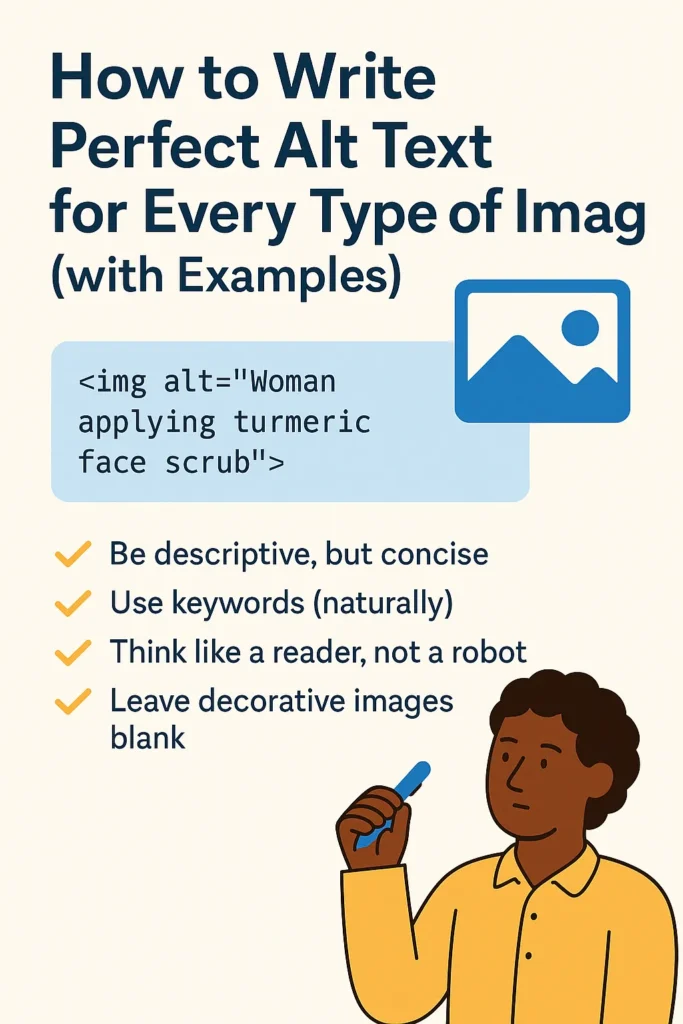
Image: Woman applying turmeric face scrub
Alt Text: “Woman applying yellow turmeric face scrub on cheeks with mirror in background”
Why it works: Includes action, subject, and context — plus “turmeric face scrub” is likely the keyword.
🛍️ 2. Product or DIY Tutorial Images
Alt text should include materials, what’s shown, and setting.
Image: Hand holding a DIY clay cup
Alt Text: “Hand holding handcrafted clay mug with natural finish and rough edges”
Pro tip: Avoid just saying “mug” or “product.” Tell what makes it unique.
📊 3. Infographics and Charts
Focus on key data insights.
Image: Bar chart comparing WebP vs JPG loading speeds
Alt Text: “Bar chart showing WebP images load 40% faster than JPG on mobile devices”
Don’t do this:
❌ “Infographic about speed” — it’s too vague.
📷 4. Photography or Travel Images
Use emotional words, describe atmosphere.
Image: Mountain trail during golden hour
Alt Text: “Hiker walking along misty mountain trail at sunrise with golden light in sky”
This works because: You’re painting a scene with feelings and colors, not just listing objects.
🤖 5. AI-Generated or Digital Art Images
Google is watching AI content closely in 2025. Be transparent.
Image: AI-generated portrait of a girl with mehndi
Alt Text: “AI-generated image of a Punjabi girl wearing bridal jewelry and floral mehndi on both hands”
Tip: Mention “AI-generated” only if it’s relevant to the content or ethics matter.
📱 6. Mobile Screenshots or UI Previews
Be clear about what’s shown on-screen.
Image: Screenshot of Canva’s font selection tool
Alt Text: “Canva interface showing popular font selection menu with modern and serif styles”
🎨 7. Decorative or Background Images
Skip the alt text if the image doesn’t convey content.
htmlCopyEdit<img src="border-flourish.png" alt="" role="presentation" />
Leaving it blank is better than writing meaningless filler like “decorative border line.”
⚠️ Common Alt Text Mistakes (And How to Fix Them)
| ❌ Mistake | ✅ Fix |
|---|---|
| “Image123.jpg” or “photo of things” | Be specific: “Wooden stool with hand-painted legs” |
| Keyword stuffing | Use one keyword naturally: “Woman applying aloe vera gel” |
| Repeating same alt text across images | Customize every image’s description |
| Writing too much | Keep it under 125 characters |
| Ignoring complex images like graphs | Summarize key data in alt text, then explain more in a caption or body text |
🛠️ Helpful Tools for Writing Better Alt Text
Here are tools I personally use or recommend for managing alt text:
- Yoast SEO (WordPress) – Shows which images are missing alt text
- AltText.ai – AI-based alt text generator, great for bulk workflows
- Canva Pro – Allows alt text to be written before download
- SEMrush Site Audit – Finds SEO image issues fast
- Google Lighthouse – Checks accessibility score of your site
🔄 Writing Workflow: My Step-by-Step Alt Text Habit
- Name the image file properly before uploading
e.g., “royal-mehndi-design.webp” instead of “IMG1033.jpg” - Write alt text during the image upload step
Don’t skip it! It takes 10 seconds. - Use natural language — imagine you’re on a phone describing it.
- Check with a screen reader occasionally (NVDA or ChromeVox)
You’ll understand how it actually sounds to real users.
📌 Alt Text SEO Checklist (2025 Edition)
✅ Describes the image accurately
✅ Includes subject, action, and context
✅ Natural use of keyword (if relevant)
✅ Not too long or robotic
✅ Unique from other image alt texts
✅ Accessible to screen readers
✅ Not decorative-only (or marked empty if it is)
✨ Final Thoughts: Alt Text Is a Small Act With Big Impact
Most people ignore alt text because it feels technical. But after a year of consistently adding it to every blog post on TheBestImages.com, I’ve seen the difference. My images started ranking higher, my bounce rate improved, and I’ve even had readers email me to thank me for making the site more accessible.
It’s one of those rare SEO habits that shows both Google and your readers that you care.
So the next time you upload an image, stop and ask:
“If someone couldn’t see this — how would I describe it to them?”
That’s your perfect alt text.